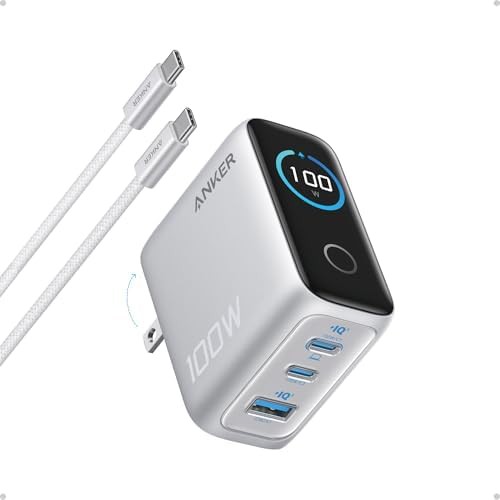
USB-C Chargers / With display
This group
Usb-c Chargers With Display
Data updated 2026-10-29
Real-time power monitoring screens showing active wattage and speed 8 chargers · 6 brands
Wall chargers
For iPhone
GaN
For MacBook
For Samsung
For iPad
Laptop chargers
Travel
100W
Foldable
30W
With cable
65W
Cheap
Desktop charging stations
Dual port
3-port
45W
20W
200W+
4-port
Home
2-pack
Office
PPS
For Pixel
6-port
Retractable
140W
Black
For Steam Deck
Flat
10+ port
White
With display
4-pack
Power strips
Gray
Grey
Best Usb-c Chargers With Display
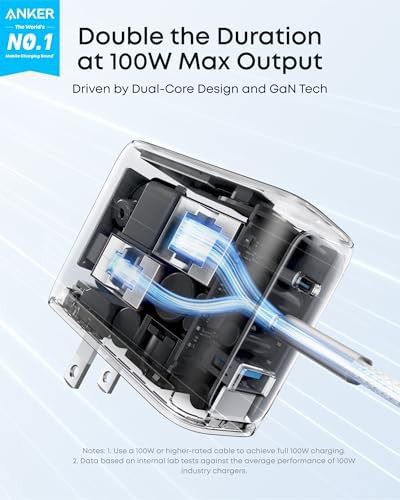
Shenzhen Henghuawei Electronic Technology
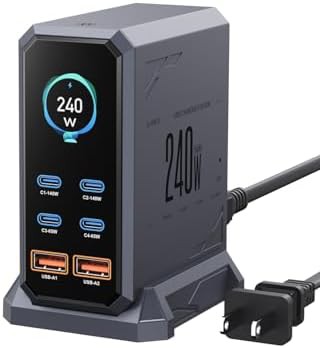
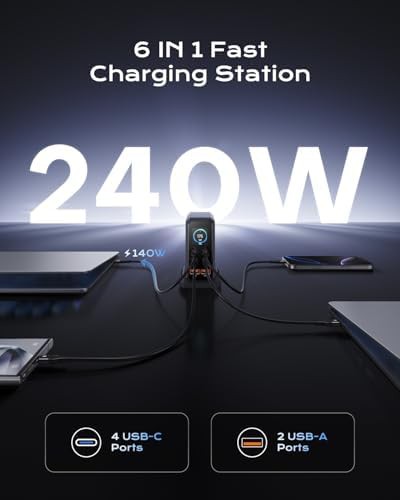
Six port charging station with LCD display
$49.99
For iPhone GaN For MacBook For Samsung For iPad Laptop chargers
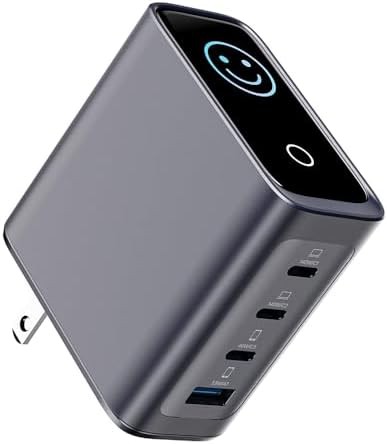
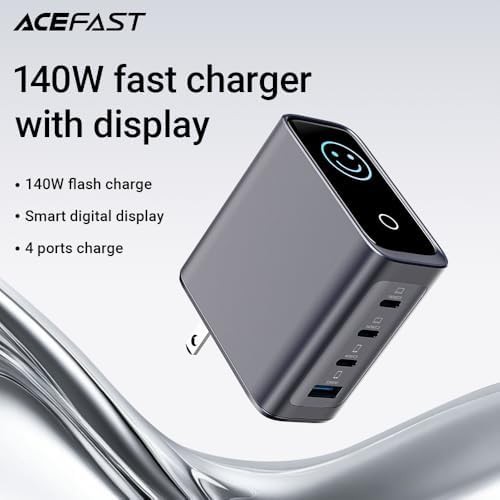
Dongguan Anju Electronic Technology
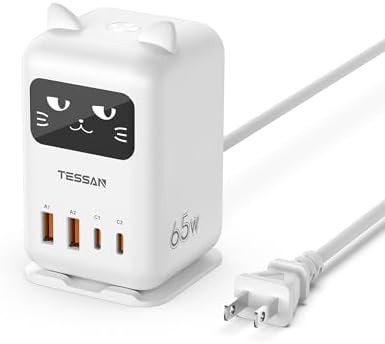
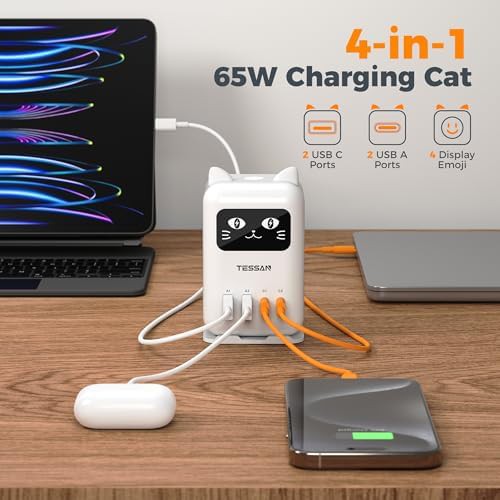
Four port 140W GaN charger with LED display
$36.95
Wall chargers For iPhone GaN For MacBook For Samsung Laptop chargers
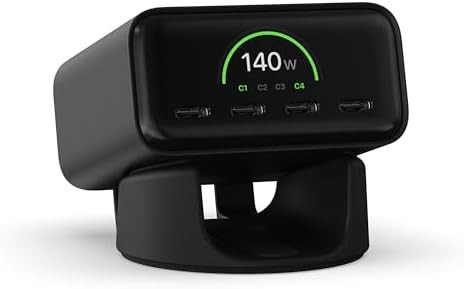
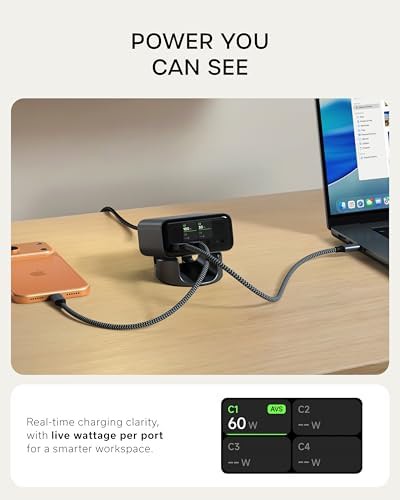
Satechi
ChargeView 140W desktop station with display
$99.99
Black GaN Laptop chargers Desktop charging stations Office 140W
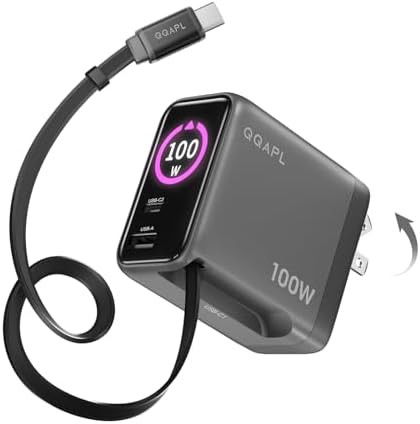
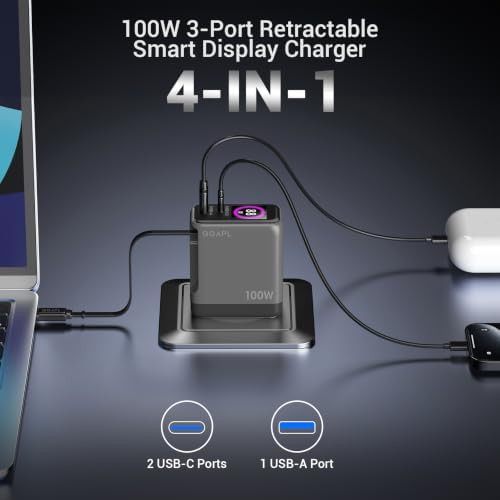
QQAPL
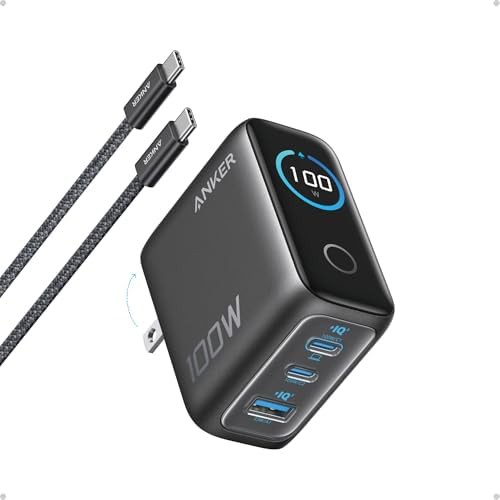
Retractable 100W wall charger with smart display
$45.99
Wall chargers For iPhone GaN For MacBook 100W 3-port
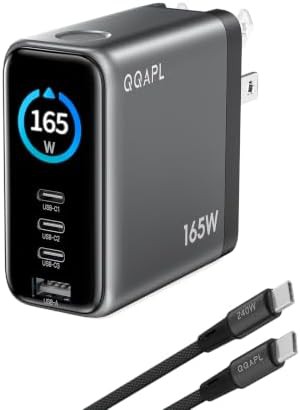
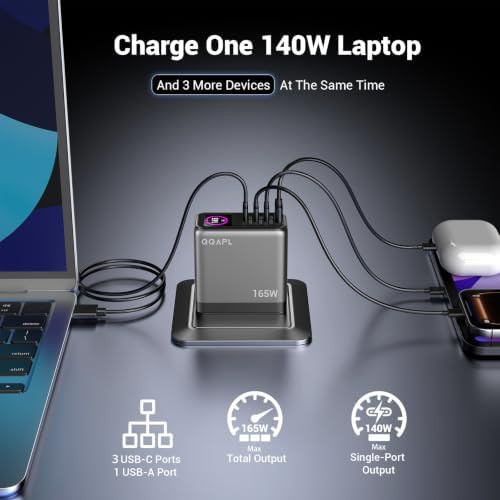
QQAPL
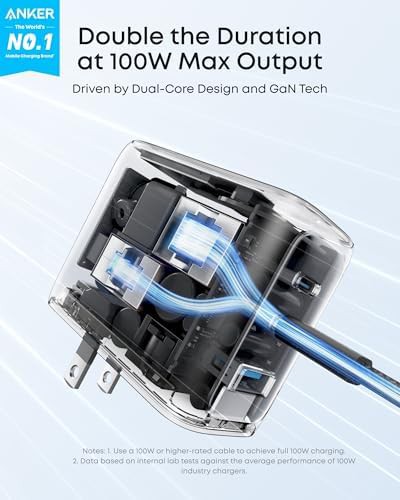
Four port 165W GaN charger with display
$63.99
Wall chargers GaN Laptop chargers 200W+ 4-port 140W
Visualizing your power flow
There is a specific satisfaction in seeing exactly how much power your laptop or phone is pulling at any given second. These chargers move away from the guesswork of standard wall plugs by integrating small LED or LCD screens directly into the chassis. Instead of wondering if your cable is faulty or if your device has reached a trickle-charge state, you can watch the wattage fluctuate in real time.
This set focuses on high-output hardware where monitoring is most useful. When you are pushing 140W or 240W into a workstation, seeing the active PD 3.1 negotiation helps confirm that your gear is running at its intended speed.
What these monitoring stations offer
The listings in this catalog range from compact travel plugs to larger desktop hubs designed to sit permanently on a workspace. They use GaN technology to keep the footprint small despite the added screen hardware.
- Multi-port desktop stations with up to 6 charging ports
- Compact GaN wall plugs with retractable or folding prongs
- Real-time wattage readouts for individual USB-C ports
- High-capacity 140W to 240W units for power users
- Vertical and horizontal orientations for different desk setups
Choosing a screen for your setup
When browsing these options, consider where the charger will live. A desktop unit from brands like ASOMETECH or TESSAN is ideal for a nightstand or office desk where the screen faces you. For travel, the ACEFAST or Satechi models offer a more streamlined profile that fits into a laptop bag without adding bulk.
Clicking into a specific brand page will show you the exact port configurations and display layouts available. These tools are built for those who prefer data over status lights, providing a clear look at the health and speed of every charge cycle.